Organize the table
Choose the column order of the Athletic Tracking module's table from the Configuration panel.
Open the Configuration panel
-
In the left-hand menu, click Performance > Athletic Tracking.
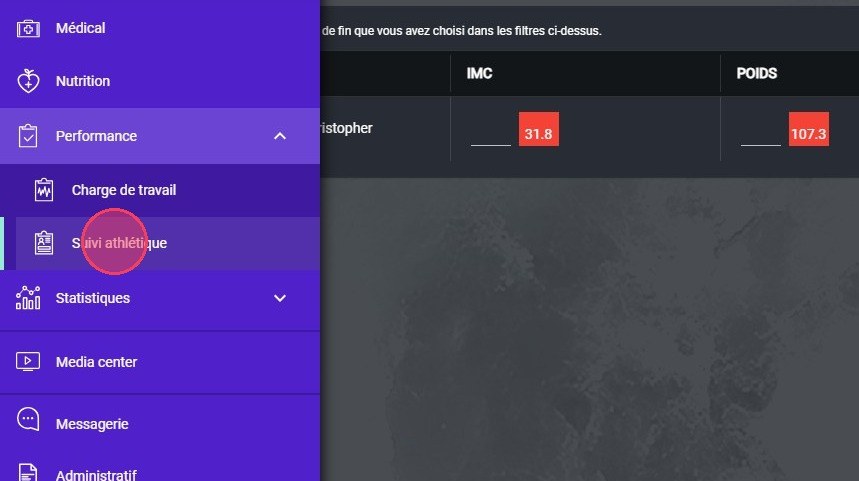
The Athletic Tracking module
-
In the top right, click the filters button.
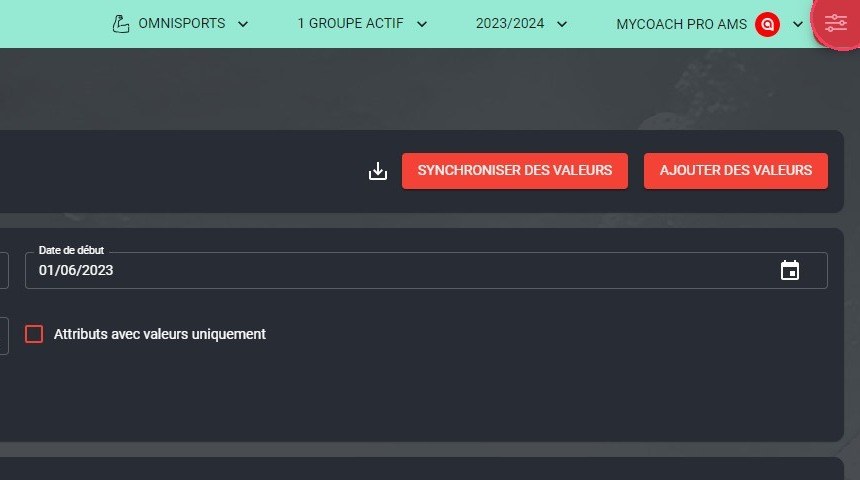
The filters button
Arrange the columns
-
In the side panel, change the order of the columns by clicking the up and down arrows.
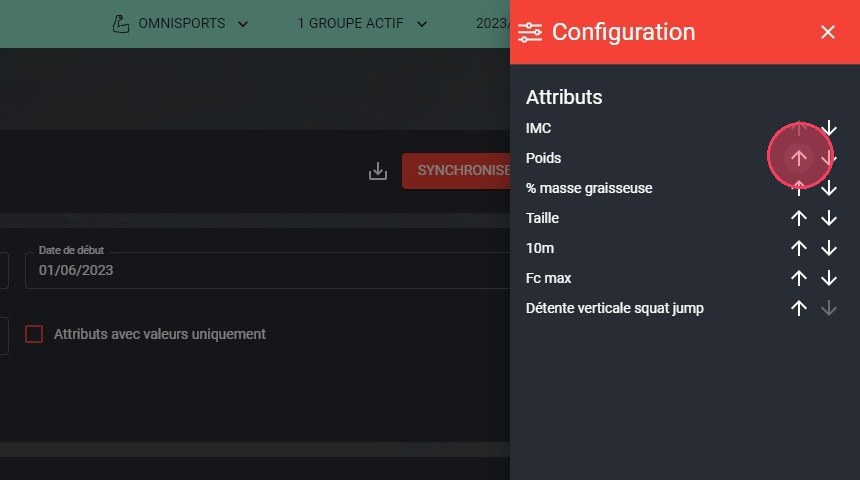
The up and down arrows
One view per userChanges are saved in your user preferences, so each user can have their own view.
Need help
Email support@mycoachpro.io with any questions about the athletic tracking table display.